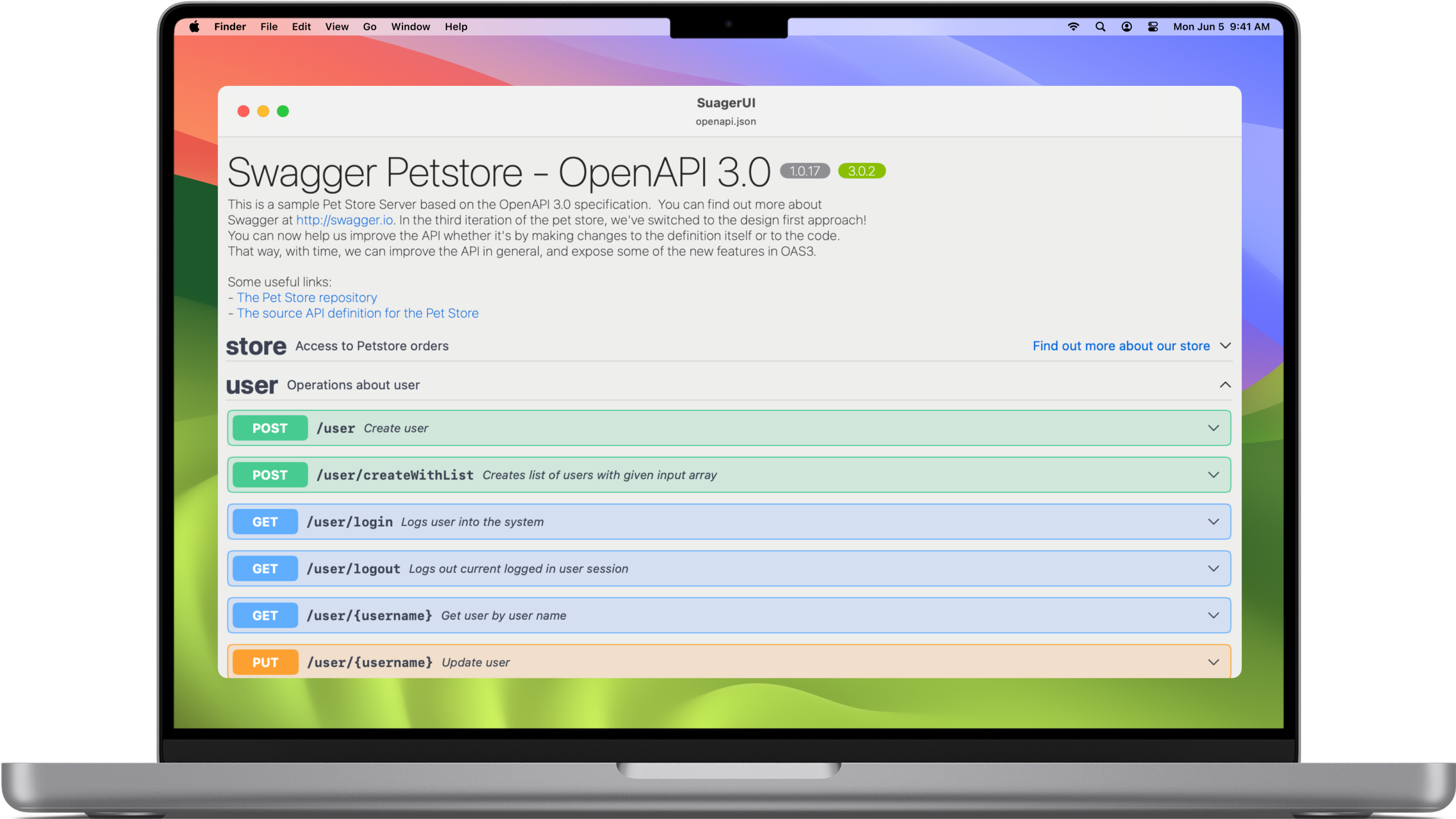
OpenAPI for everyone
Unlock the full potential of OpenAPI 3.x and Swagger 2.0 with a native macOS experience.

Visualize OpenAPI
specifications
SuagerUI lets you view your OpenAPI
specifications in a clear and organized
manner, so you can understand every
aspect of your APIs.

In-depth
Details
Dive into endpoint details, data
schemas, and routes with an intuitive
and user-friendly interface.

Native macOS
integration
Enjoy a seamless and swift
experience thanks to native macOS
integration. No compromises, just
optimal performance.
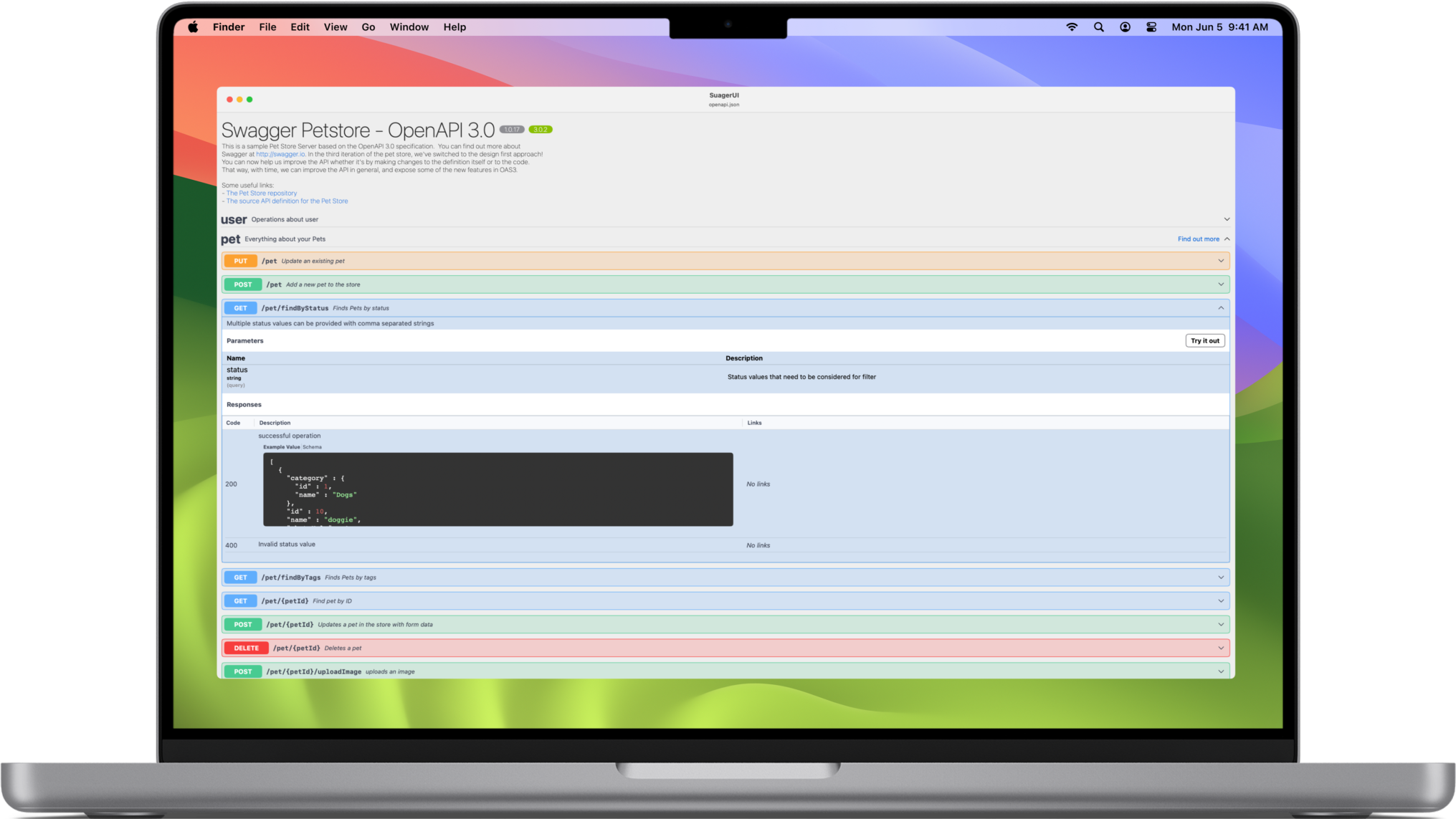
Read full OpenAPI 3.x &
Swagger 2.0 Specs
Dive into endpoint details, data schemas, and routes with an intuitive
and user-friendly interface.
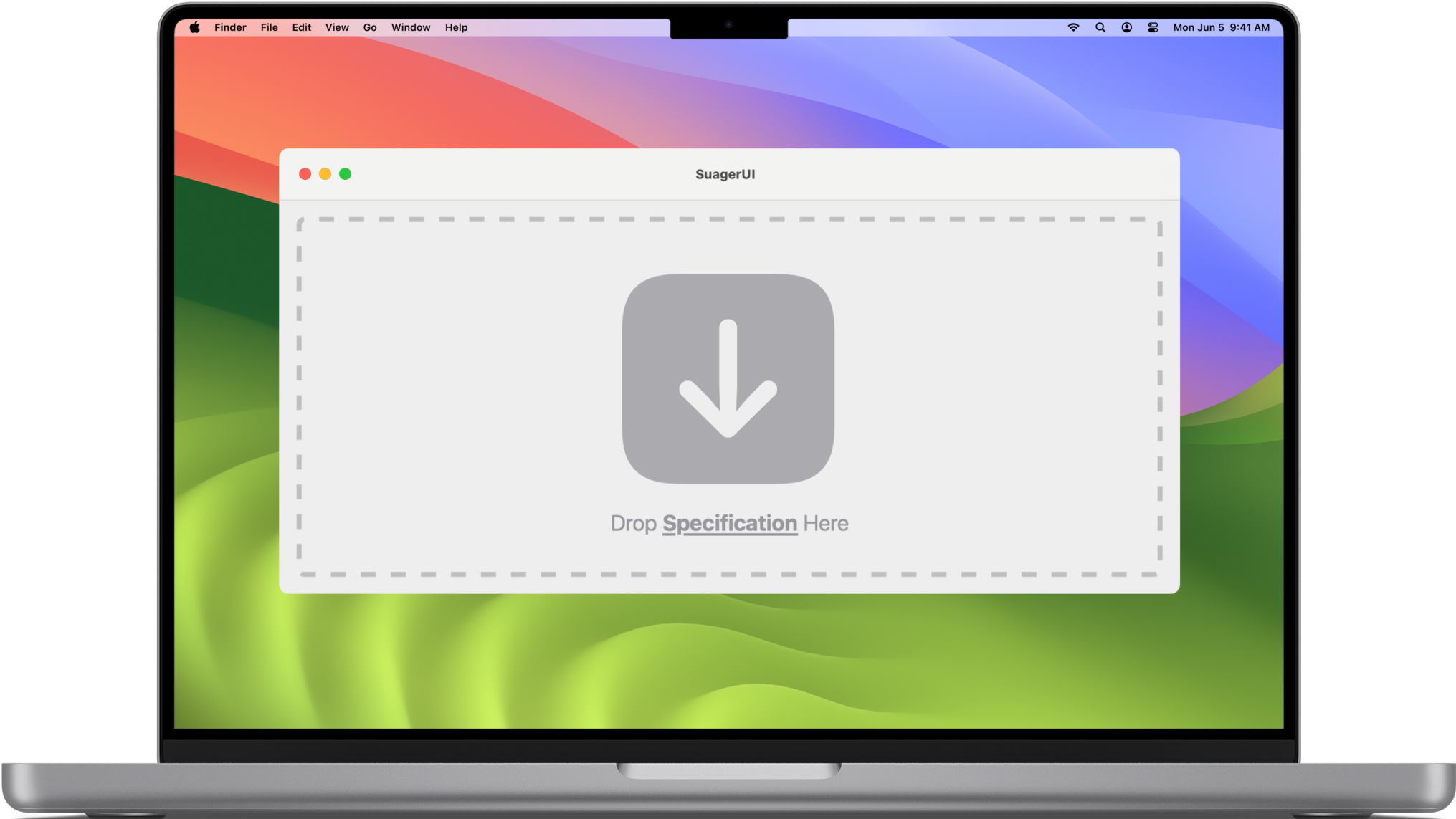
Just drop
the Specification
No complex configuration in order to see your specification.
Just drop your JSON file!.
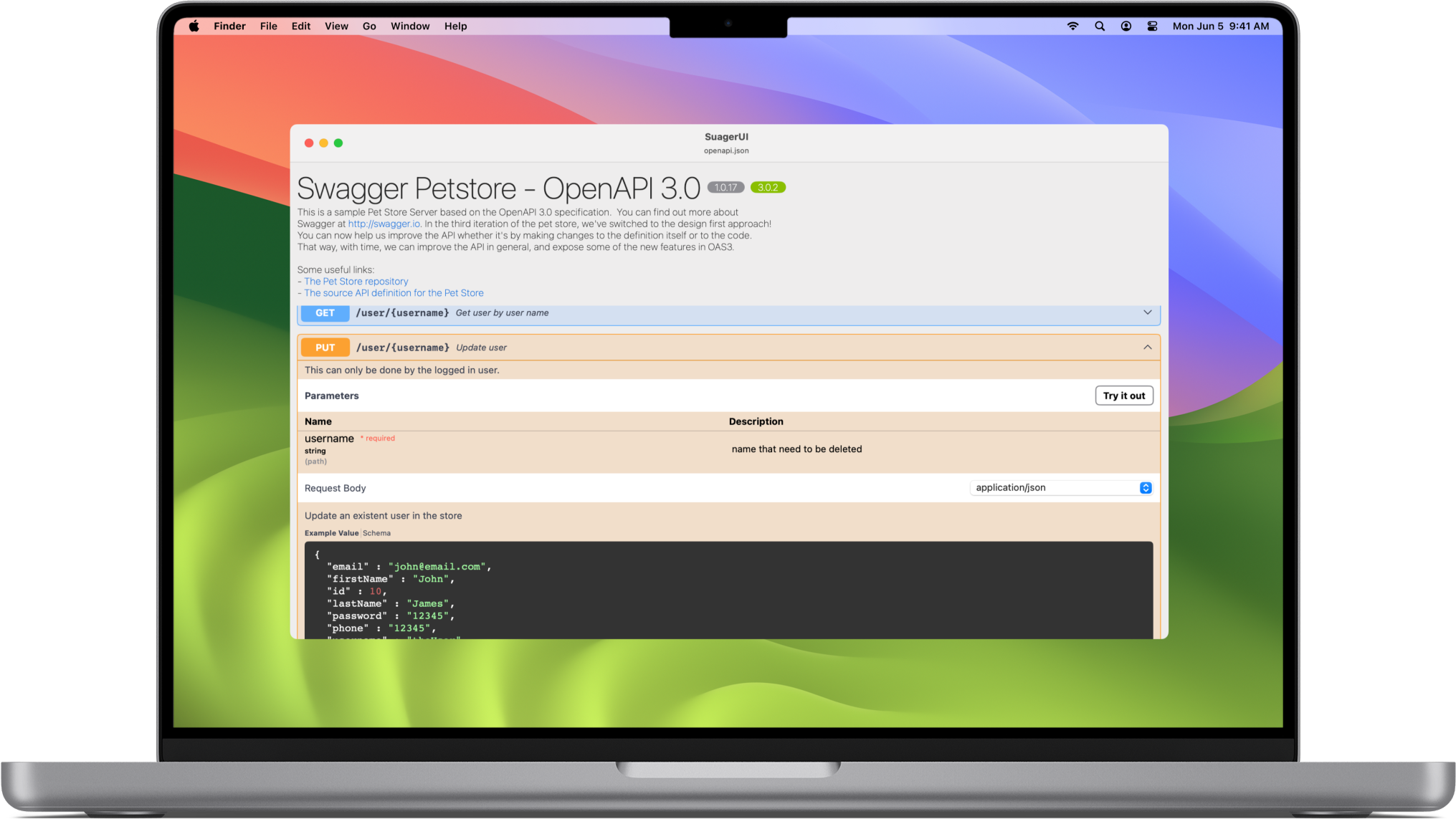
See everything
Take a look to the Routes, parameters, request body
and More!
Get started in four steps
From installation to exploring your first API, SuagerUI keeps it effortless.
Download the app
Grab SuagerUI from the Mac App Store and launch it on your macOS device.
Drop your spec
Drag and drop your OpenAPI 3.x or Swagger 2.0 JSON file right into the window. No setup required.
Browse endpoints
Explore routes, methods, parameters and request bodies through a native sidebar.
Inspect schemas
Dive into data models, responses and examples with a clear, organized layout.
All the features
Built for developers who live inside API specifications every day.
OpenAPI 3.x & Swagger 2.0
Native support for both OpenAPI 3.x and Swagger 2.0 specifications, including every component and reference.
Drag & drop JSON loader
Drop your spec file into the window to visualize it instantly. No imports or configuration.
Endpoint explorer
Navigate every route grouped by tag, with HTTP methods clearly color-coded.
Parameters & request body
Review path, query and header parameters side by side with their types and descriptions.
Schema viewer
Inspect data models, nested objects and arrays with expandable, readable trees.
Response details
Check status codes, content types and example payloads for every operation.
Native macOS experience
Fast, lightweight and built for macOS — no Electron, no bloat, no compromises.
Offline first
Everything runs locally. Your specs stay on your machine, private and available offline.
SuagerUI.Your Gateway to Seamless API Insights.Navigate APIs with Clarity and Ease
All rights reserved by SuagerUI
Made with ♥️ from Los Angeles, CL · hi@suagerui.app